
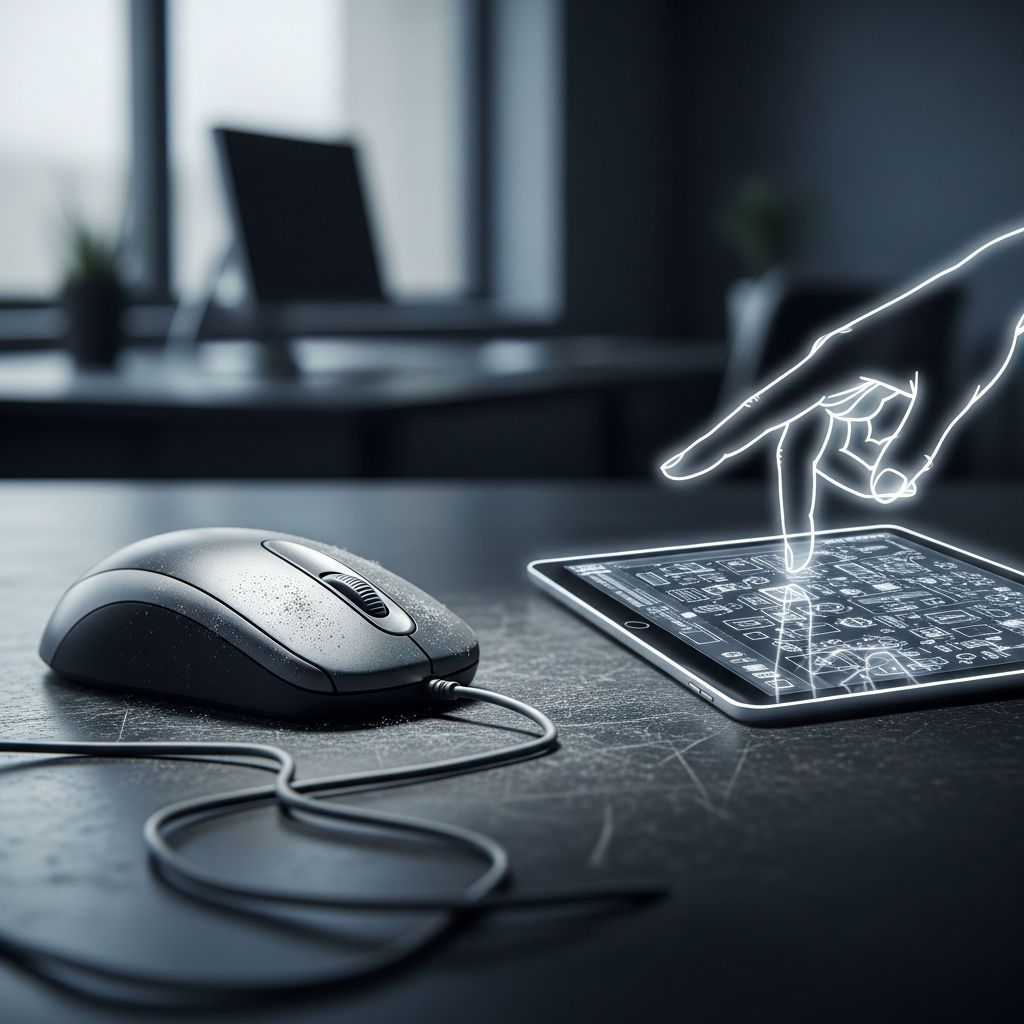
The Mouse Is Dying: Why We’re Sacrificing Precision for the Convenience of Touch
For over forty years, the computer mouse has been the undisputed king of human-computer interaction. From the moment Doug Engelbart debuted the “X-Y Position Indicator for a Display System” in 1968, the mouse provided something revolutionary: a bridge between human intent and digital execution with sub-pixel precision. However, as we move deeper into the era of mobile-first design and tablet computing, the mouse is being pushed to the periphery. We are witnessing the slow death of the mouse, and in our rush toward the intuitive ease of touch, we are losing the very precision that built the modern digital world.
The Shift from High-Fidelity Control to “Good Enough” Interaction
The rise of the touch interface—pioneered by the smartphone and solidified by the tablet—has fundamentally changed our expectations of technology. Touch is visceral, immediate, and requires no learning curve. Even a toddler can navigate an iPad. But this accessibility comes at a hidden cost. The mouse offers a level of granularity that a human finger simply cannot replicate.
A standard optical mouse can track movements at a resolution of 4,000 to 16,000 DPI (dots per inch). This allows a user to select a single pixel among millions on a 4K display. In contrast, the “input” of a human finger is blunt. The average fingertip covers an area of approximately 40 to 50 pixels on a standard mobile display. This “fat finger” problem has forced a radical redesign of software, moving away from information density toward “touch-friendly” layouts that prioritize whitespace over functionality.
The UI Inflation: How Touch Shrinks Our Workspace
As developers pivot to “mobile-first” or “responsive” designs, desktop software is beginning to suffer from what UI experts call “interface inflation.” Because buttons must be large enough to be tapped by a thumb, the density of tools and information on our screens is shrinking. Compare a professional desktop application from 2010 to its modern “web-app” equivalent today. You will likely find:
- Larger buttons with excessive padding.
- Hidden menus (the dreaded “hamburger” icon) that hide complex features.
- Increased scrolling requirements to find basic information.
- A reduction in “right-click” context menus that once provided instant shortcuts.
By designing for the lowest common denominator—the finger—we are effectively “dumbing down” the power user experience. The precision of the mouse allowed for complex, multi-layered interfaces; the touch screen demands simplicity, often at the expense of productivity.
The Professional Precision Gap: Design, Code, and Data
While touch is excellent for consuming content—scrolling through TikTok or reading an article—it remains fundamentally flawed for creating content. There are specific professional domains where the death of the mouse represents a genuine regression in capability.
Graphic Design and Video Editing
In programs like Adobe Illustrator or Photoshop, the difference between a mouse (or a stylus) and a touch screen is the difference between surgery and finger painting. Selecting a specific anchor point on a vector path requires a level of micro-motor control that touch cannot provide. While the Apple Pencil attempts to bridge this gap, it still lacks the multi-button functionality and ergonomic stability that a high-end mouse offers for 10-hour workdays.
Software Development and Data Science
For coders and data analysts, the mouse is a surgical tool. Navigating thousands of lines of code or selecting specific cells in a massive Excel spreadsheet requires rapid, precise movements. The “hover” state—a foundational element of web navigation where information appears when a mouse pointer rests on an object—doesn’t exist in a touch environment. Losing the “hover” means losing a layer of information depth that we’ve relied on for decades.
Competitive Gaming
Nowhere is the precision of the mouse more evident than in eSports. The “flick shot” in a first-person shooter or the high-APM (actions per minute) requirements of a strategy game like StarCraft are impossible on a touch screen. The mouse is an extension of the nervous system. Replacing it with a glass pane is like asking a concert pianist to play on a flat tablet screen; the tactile feedback and spatial accuracy are gone.
The Ergonomic Myth: Is Touch Actually Better?
One of the arguments for the transition to touch and gesture-based interfaces is that they are more “natural.” However, from an ergonomic perspective, the “Gorilla Arm” syndrome is a well-documented phenomenon. This occurs when users are forced to interact with vertical touch screens (like a laptop or desktop monitor). Holding your arm out in space to tap and swipe is physically exhausting and leads to rapid fatigue.
The mouse, conversely, allows the arm and shoulder to remain at rest while the wrist and fingers perform small, efficient movements. By moving away from the mouse-and-keyboard setup toward “touch everything,” we are trading long-term ergonomic health for short-term “cool factor.”
The Death of the Right-Click Culture
Perhaps the most significant cultural loss in the decline of the mouse is the “Right-Click.” The right-click represented a hidden layer of power—a way to dig deeper into the settings and possibilities of a file or program. On touch interfaces, the equivalent is the “long press.”
However, the long press is slow, unintuitive, and lacks the instant haptic satisfaction of a mechanical click. As we lose the right-click, software manufacturers are encouraged to hide advanced features entirely to keep the interface “clean.” We are moving toward a “walled garden” of interaction where the user is only allowed to do what the designer explicitly placed a giant, colorful button for.
Is There a Middle Ground?
The mouse isn’t going to vanish overnight, but its status as the primary input device is under siege. We are seeing a hybridization of peripherals—trackpads with haptic feedback, advanced styluses, and gesture-control rings. Yet, none of these quite match the 1:1 spatial mapping of a high-quality mouse.
To preserve precision, we must advocate for “Desktop-First” design in professional spaces. We must recognize that while touch is a fantastic secondary input for zooming or scrolling, it should not be the primary driver of UI evolution. The industry needs to stop treating the desktop like a giant smartphone.
Conclusion: The Value of the Pixel
The movement toward touch is a movement toward convenience and consumption. It’s an admission that most people use computers to browse, watch, and chat. But for those who use computers to build, engineer, and create, the death of the mouse is a looming crisis of precision.
As we continue to blur the lines between mobile and desktop operating systems, we must fight to keep the pixel-perfect accuracy that only a mouse can provide. Convenience is a luxury, but precision is a necessity. If we let the mouse die, we aren’t just changing how we click—we’re changing the limits of what we can create.